

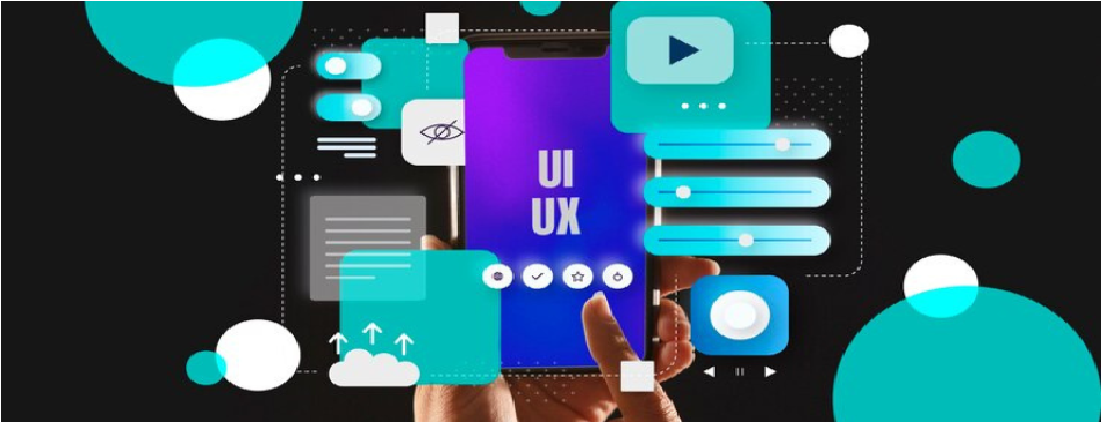
What do an architect and a UX designer have in common? More than you think.
When architects design a space, we don’t just plan walls and furniture—we choreograph movement, light, interaction, and emotion. Similarly, UX (User Experience) designers don’t just make screens pretty. They craft flows, anticipate user needs, and make sure every tap feels intuitive.
Today’s digital platforms like Spaces by Cerulean (an app meant for architects, designers, and creators) are built with that same spatial logic—only applied to digital touchpoints instead of physical materials.
So, how do you—an architect—translate your spatial intelligence into a UX mindset? Let’s explore it like we do in architecture: year by year.
-(1)_1750052263919.png)
Image Source: Created on Canva, Pragya@Kaarwan
Think Like a Site Analyst — Understand the User
Just like you wouldn't start designing a building without a site analysis, UX starts with understanding the context:
- Who are your users?
- What do they need, feel, fear, or expect?
- Are they professionals on the move? Students trying to organise ideas?
- What are their “pain points” and comfort zones?
This phase is about observation. In architecture, we observe how sun, wind, and people move. In UX, we observe how users interact with interfaces. Heatmaps replace sunpaths. User flows replace circulation diagrams.
_1750052289466.png)
Image Source: Kaarwan Learner Portfolio from UI/UX Course
Zoning and Flow — Information Architecture
Once you understand users, it's time to plan how they move within the app. Architects call it zoning. UX designers call it Information Architecture (IA). You're deciding:
- What goes where (like functions on the homepage)?
- How do users move between tasks (like switching tools or saving files)?
- What should grab attention first?
Think of it as organising a building where every corridor, staircase, and room leads to a meaningful destination—with no dead ends.
_1750052469461.png)
Image Source: Kaarwan Learner Portfolio from UI/UX Course
Material Palette — UI Design
Just like textures and finishes matter in a building, User Interface (UI) is where users “feel” the product.
- Buttons = knobs and handles
- Colours = mood lighting
- Fonts = signage
Apps like Spaces use calming neutrals, clear typography, and simple icons—because good UI doesn’t shout. It guides. You can sense when a space is badly detailed, right? Same goes for a cluttered or inconsistent interface.
-(1)_1750052494459.png)
Image Source: Created on Canva, Pragya@Kaarwan
Detail Drawings — Microinteractions & Feedback
Every click deserves a response—just like every light switch has a tactile feel. Microinteractions (like hover animations, button clicks, loading indicators) are the details that make users feel understood.
Architects spend hours perfecting corner joints or shadow gaps. UX designers spend the same time tuning hover states, transition animations, and feedback messages.
These details are what turn a functional app into a delightful experience.
-(1)_1750052513069.png)
Image Source: Created on Canva, Pragya@Kaarwan
Post-Occupancy — Analytics & Feedback Loops
A good architect never stops after handover. We revisit buildings, learn from users, and improve.
UX is exactly the same. Once the app is launched:
- Are users completing tasks easily?
- Where are they dropping off?
- Is any part confusing or unused?
Tools like heatmaps, A/B testing, and feedback forms are the post-occupancy evaluations of the digital world.
Curious about UI/UX? Explore with our 1-Day Masterclass - No Experience Needed.
Closing Note: From Site Plans to Screen Flows
Design is everywhere. From the chair you're sitting on to the screen you’re reading this on.
If you’ve ever:
- Designed a site plan that made movement easier
- Chosen materials to evoke emotion
- Made diagrams that are easy to read and navigate ...then you’ve already practised UX thinking.
Apps like Spaces are built on this logic—and your skills are more relevant than you realise.
So, next time you're bored of floor plans, try redesigning your favourite app’s homepage like it’s a layout sheet. You might just find your next creative obsession. Because in 2025, your design skills are not confined to buildings. Apps like Spaces are built for us, by us—but they also show us what’s possible if we apply our spatial brains to the digital realm.
Many UX teams around the world now hire architects, not just coders or graphic designers, because we bring a systems mindset. A balance between function and feel.




.png)